Remote assistance
from 3,000 KZT
We will help with programs, mail and Windows settings. A working computer and internet are required. First, let’s clarify whether your problem can be solved remotely.
Discuss remote assistance →Mon–Fri 10:00–19:00Sat 11:00–15:00 by prior arrangementSunday — closed
We will find the reason and agree on the price before repairs.
Choose a problem above to see a suitable service and price.
This is a preliminary recommendation. The cause of the malfunction and the exact cost will be determined after diagnosis.
We usually respond within 15 minutes during business hours. Send your device model and photo of the problem.Call the technician
Compare services and prices. We agree the repair cost before starting work.
Already know the service? Open full price and calculator ↓
PREVENTION OF OVERHEATING
Regular PC - 8,500–10,000 KZT. Thermal pads, parts and hardware repairs are paid separately as agreed. After assembly, we check the cooling.
We will find the cause of the malfunction, explain repair options and agree on the cost before starting work.
We troubleshoot laptops and desktop PCs, change compatible parts and check stability.
We disassemble and clean the cooling, change the thermal paste, check the temperatures. Office laptop - 8,000 KZT, gaming laptop - 12,500 KZT. Additional work will be agreed upon separately.
Windows 11 26H2 and drivers for students and pensioners - 6,500 KZT; with Microsoft Office 365 Apps, programs and Panda Dome Antivirus (free version) - 8,500 KZT; full package with Microsoft Office 365 Apps and Kaspersky - 10,000 KZT. We select the version taking into account compatibility. Windows and Microsoft 365 licenses are paid separately; A 12-month Kaspersky license is included in the full package.
Let's install the SSD and transfer Windows, programs, settings and user data. The storage device is paid separately.
We will restore the fastenings, cover and damaged elements of the case. Let's check the reliability of the hinges.
Visit of a master in Petropavlovsk - 3,000 KZT. We agree on diagnostics, repairs, adjustments and parts and pay for them separately.
Office or home assembly - 10,000 KZT. Gaming assembly with BIOS setup, cable management and testing - 15,000 KZT.
Cleaning the cooling system, replacing Arctic MX-4 thermal paste and checking temperatures under load.
USB flash drives - 5,000–7,500 KZT; HDD and SSD - 15,000–30,000 KZT. The possibility and final cost are determined after diagnosis. For USB: checking the drive, searching and restoring available files, checking the result and copying to the client’s media. New media and hardware faults separately.
Replacing a laptop screen · Liquid damage · All-in-one computer repair
Describe the problem without personal information. AI will suggest a possible reason, a suitable service and a price guide.
Highlights the likely category of the problem and important symptoms.
Will warn you when it is better to turn off the device and not turn it on again.
Creates a clear description to quickly start diagnosing.
From installing programs to online help. Select a task and we’ll discuss the solution and cost before we begin.
Install the system, select drivers and prepare the computer for work.
Discuss the problem 02Word, Excel and PowerPoint for your tasks. We will help you with the appropriate version and configuration.
Discuss the problem 03Kaspersky, scan your computer, remove detected viruses and intrusive advertising.
Discuss the problem 04Let's set up the software for eGov. Enter your password and sign the documents yourself.
Discuss the problem 05Programs, mail and settings without a trip to the service. You need a working PC and internet.
Discuss the problem 06Let's coordinate important folders, set up copying and check the recovery of the test file.
Discuss the problemLicenses and subscriptions will be agreed upon separately. First, let's clarify the compatibility and scope of work.
You understand that we are checking how much the work costs and what you will receive upon delivery.
Model, symptoms and photos will help you understand the problem. We will agree on an appointment time or another format of assistance.
After the diagnosis, we will discuss the work, the necessary parts and deadline. We will begin repairs after approval.
We will carry out the agreed work and check the result. If additional work is required, we will discuss it with you first.
We will show the result and explain the work performed. We will indicate the warranty period for the work and the conditions for the parts in the document.
Don’t know what service you need? Start by describing the problem.
Discuss with the masterView products, photos and prices in a separate Realtech catalog. For the selected item, you can check the availability and terms of purchase.
We evaluate laptops, system units, monitors and components. Send model, specifications, condition and photos. We will first respond according to the description; We will agree on the final amount and payment procedure after verification in Petropavlovsk.
Brief cases from published customer reviews in 2GIS. The composition of the work and the result are described according to the authors of the reviews.
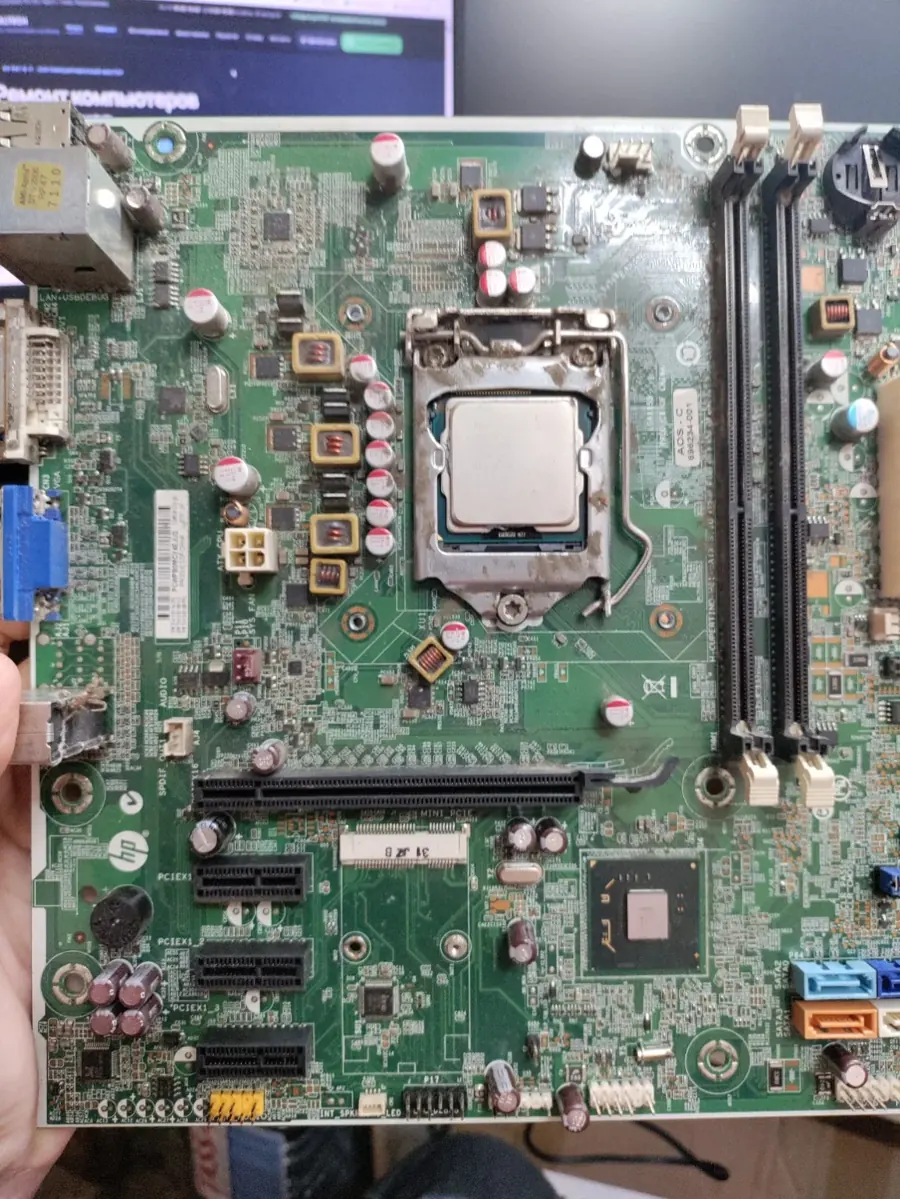
In your own photo there is an HP board with a processor, RAM slots and connection connectors. Such an inspection helps clarify the model and design of the equipment before further diagnostics or selection of compatible parts.
The appearance itself does not confirm the serviceability of the board. We determine the cause of the malfunction through inspections, and agree on the cost of repairs after diagnosis.
How to diagnose and repair a computer →Message: The laptop turned off and did not load Windows. According to Nikolay Shumyachkin’s review, the technician cleaned the cooling, replaced the thermal paste and updated Windows. The customer reported that the laptop was working again.
Source: Nikolay’s review in 2GIS ↗Message: according to Dias review dated October 23, 2026, it was necessary to restore the mounts and adjust the laptop hinge. The client reported the repairs completed and indicated the cost of 12,000 KZT. The price refers to this treatment; We will agree on your price after inspection.
Hinge repair: scope of work and prices →
Source: Dias review in 2GIS ↗Message: clean the flash drive and save the files. According to Dilnaz's review, the viruses were removed, the necessary data was saved, and anti-virus protection was additionally configured.
Source: Dilnaz’s review in 2GIS ↗The images below illustrate typical tasks and work steps. They do not confirm the outcome of a specific Realtech order. Some images are processed or created digitally. Image sources.
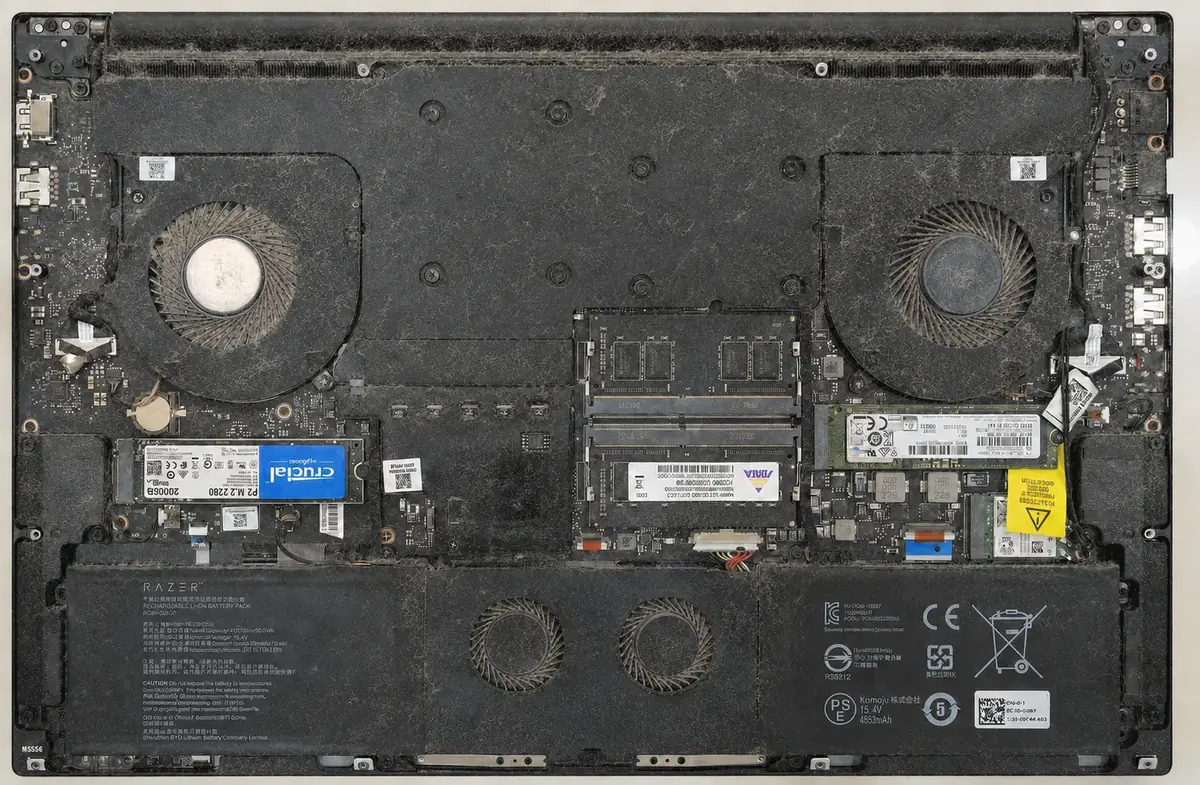
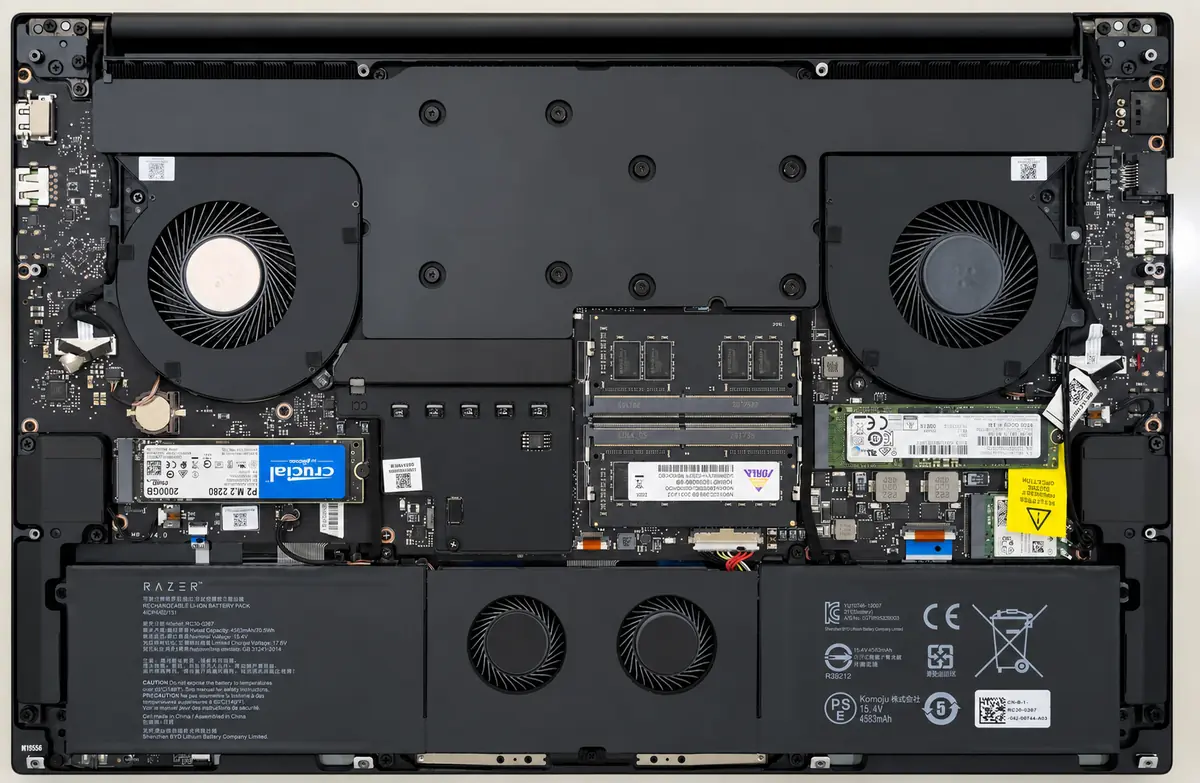
Illustration of the service · not a photo report of the order
Illustration of a dirty and cleaned cooling system. During maintenance, remove dust and check cooling; The result for a specific device is determined after inspection and testing.

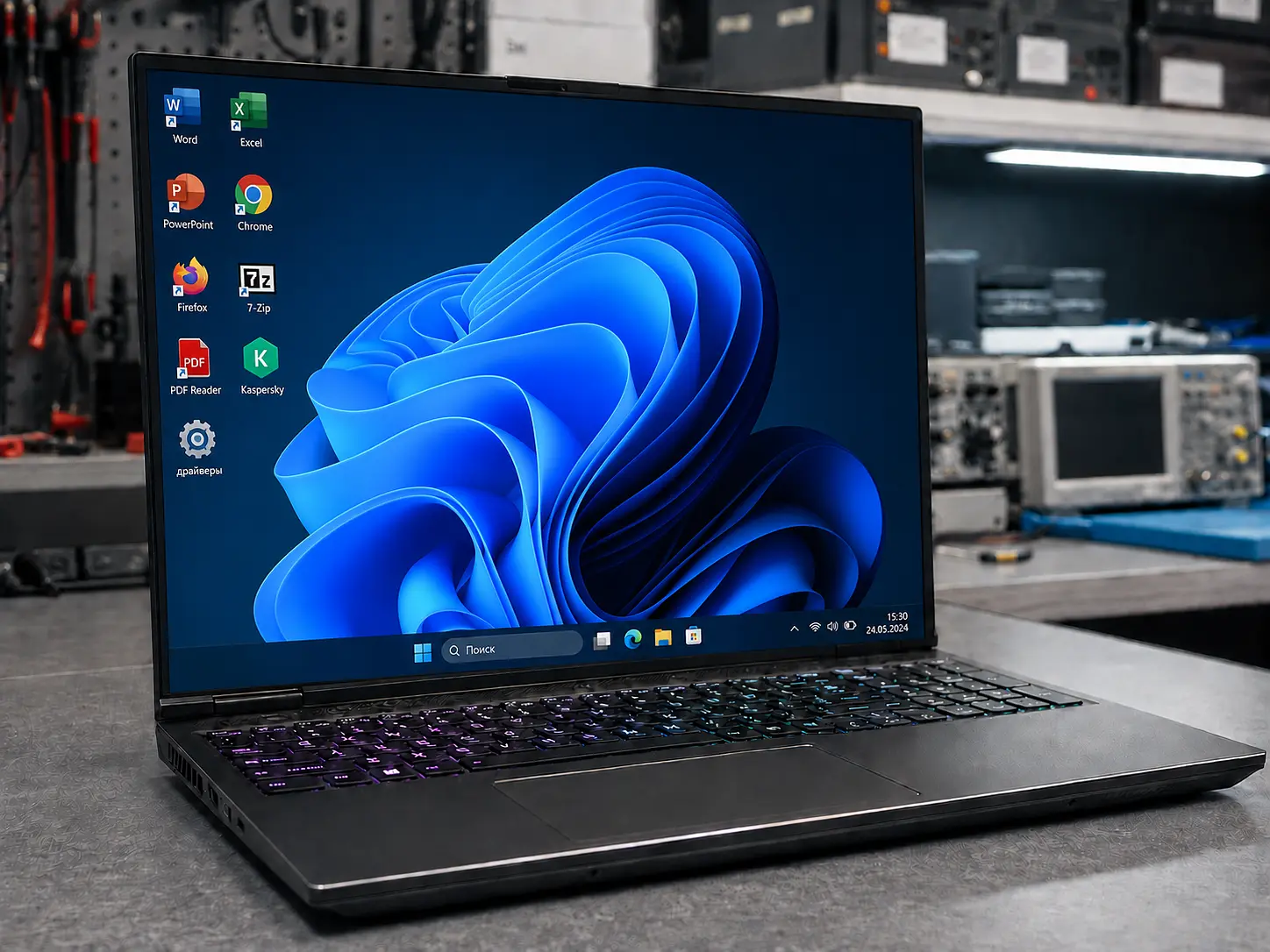
Illustration of the service · not a photo report of the order
First we check the HDD or SSD and important data. If the drive is working, we restore the boot or reinstall Windows 11, then install the drivers and check the stability of the system.
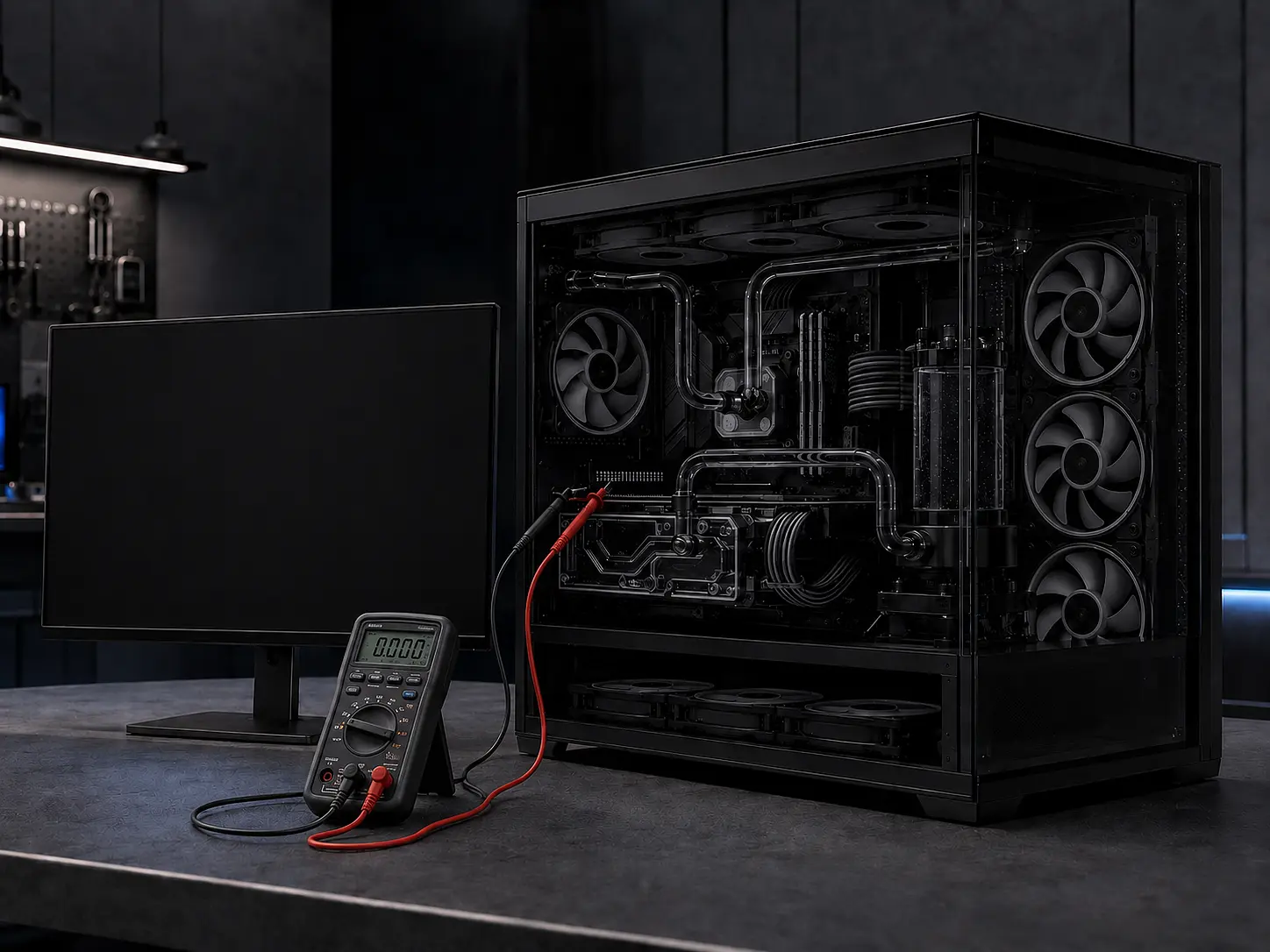
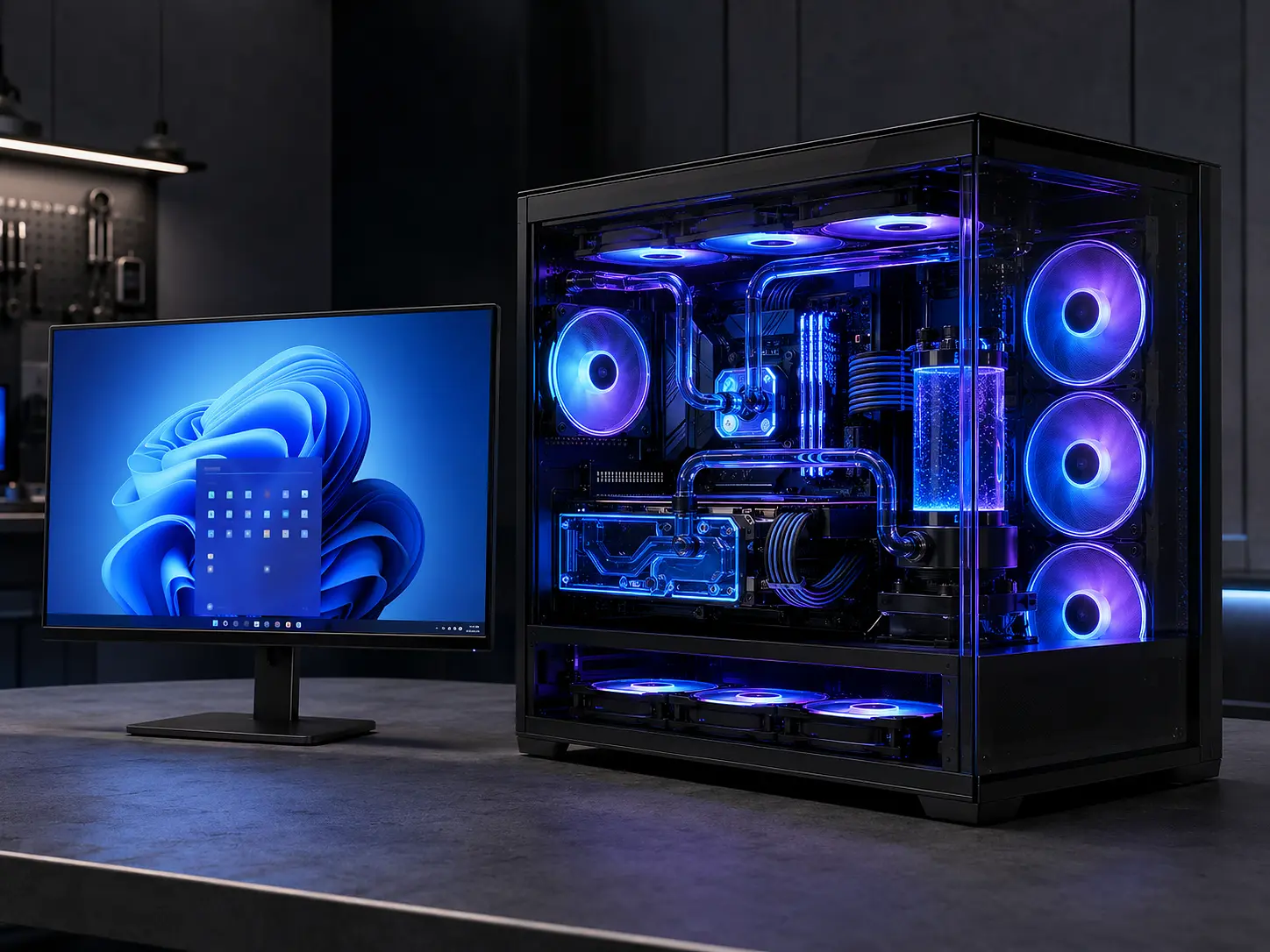
Illustration of the service · not a photo report of the order
First, we check the power supply, motherboard and components. After eliminating the cause, we assemble the computer and retest the startup and stability of operation.
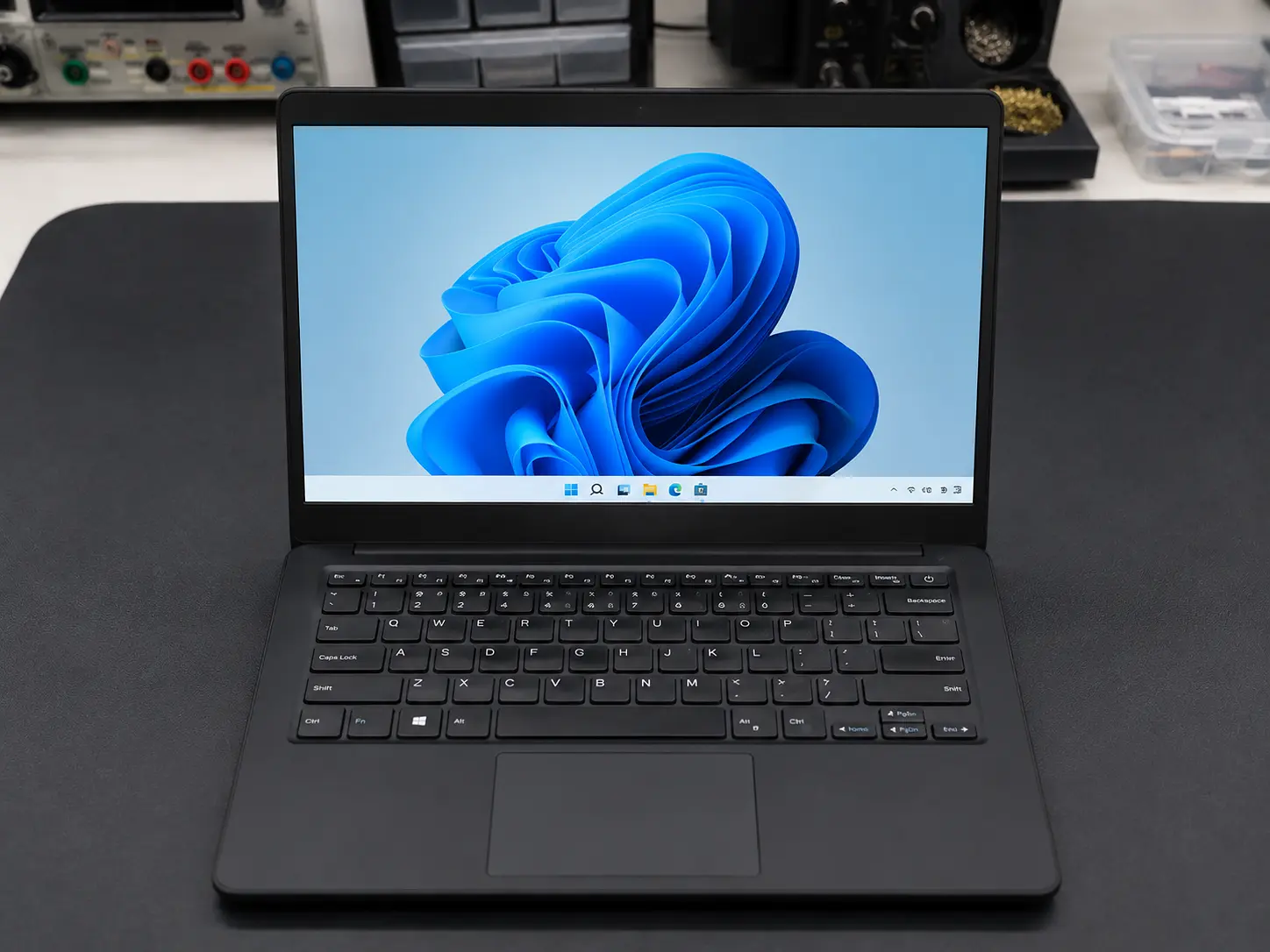
Illustration of the service · not a photo report of the order
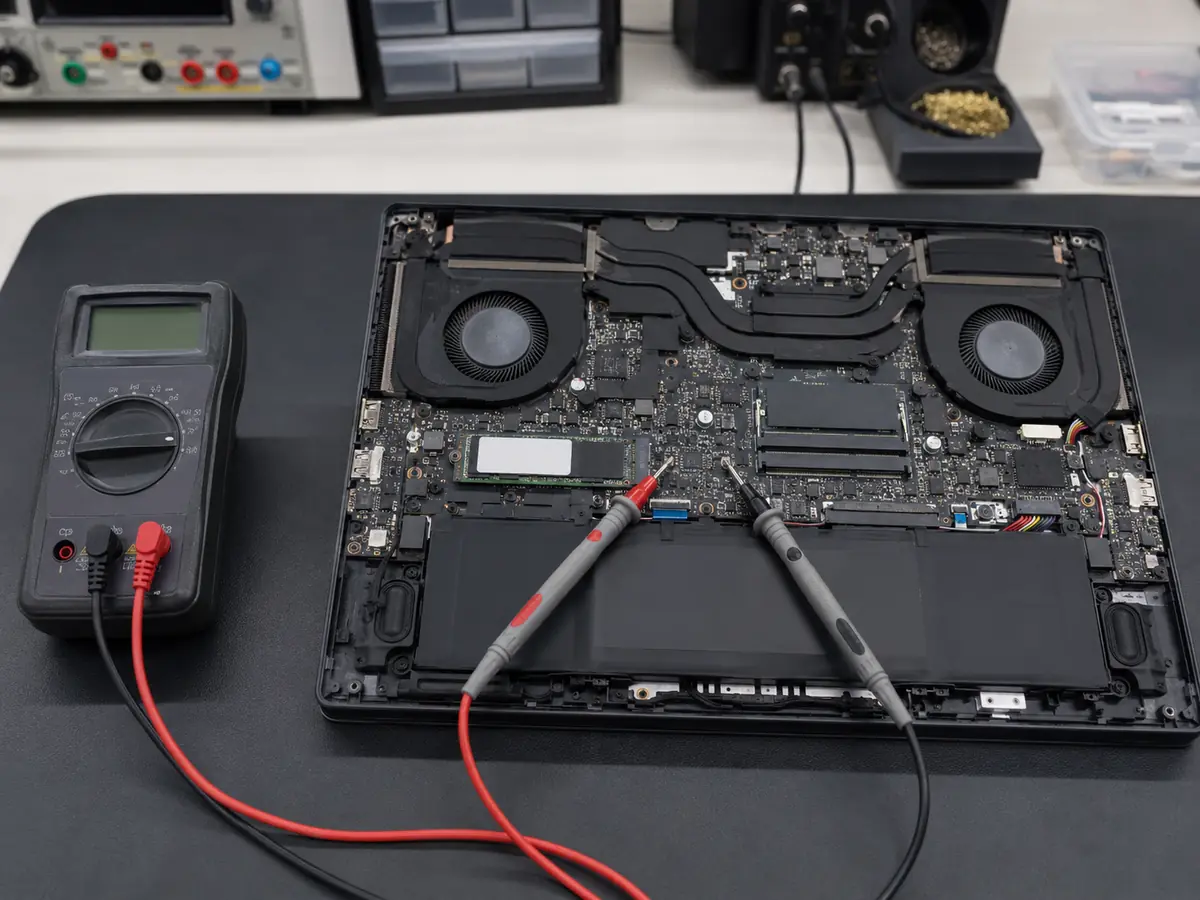
We check the power circuits, motherboard, battery, SSD and cooling system. After eliminating the malfunction, we carry out control measurements and test the stability of operation.
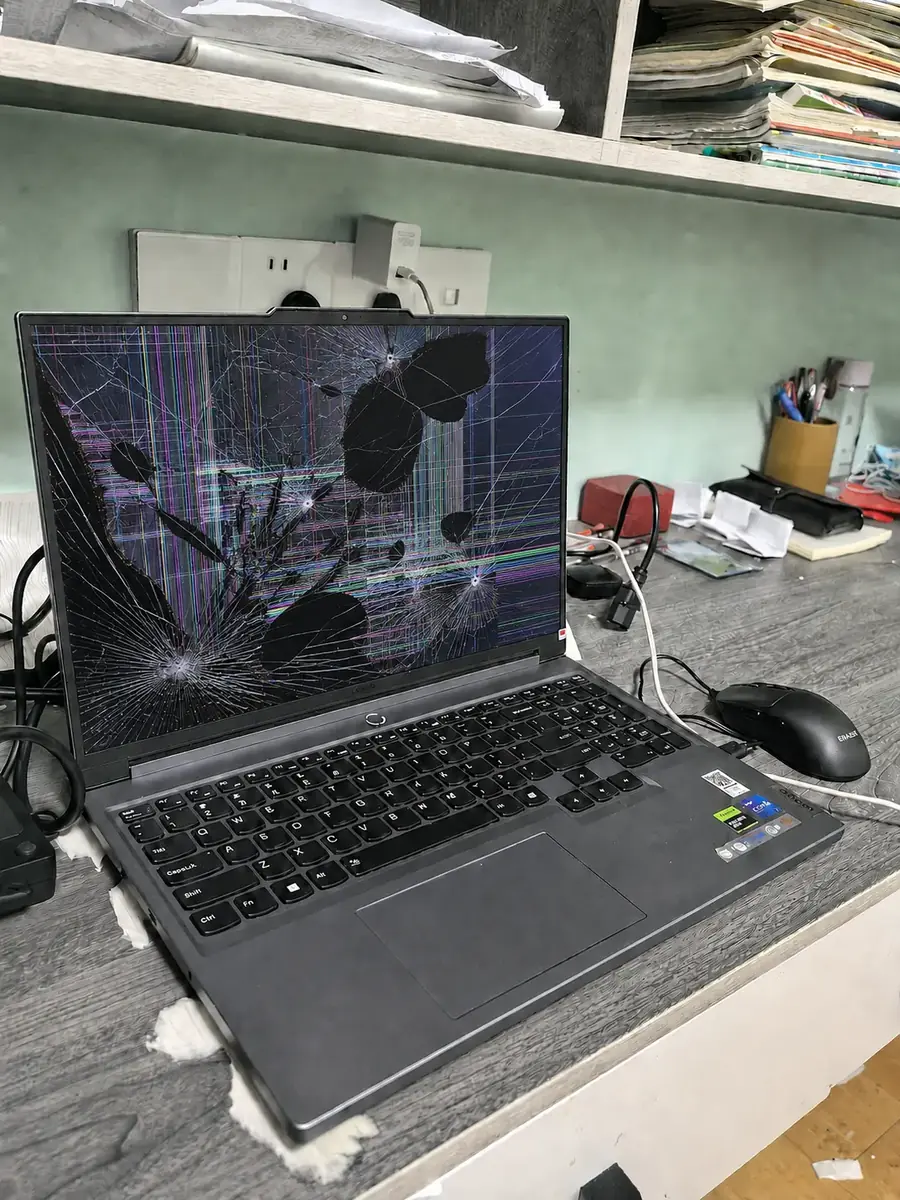
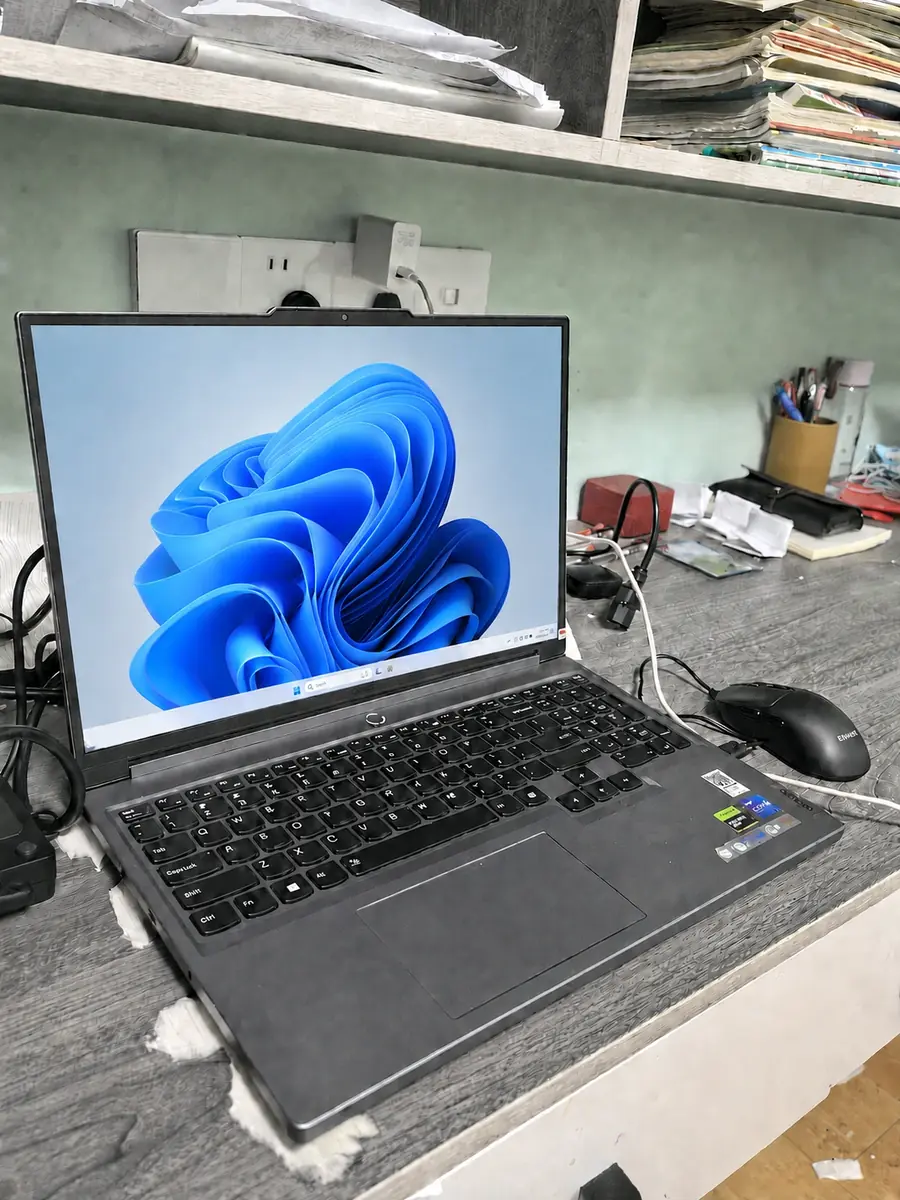
Illustration of the service · not a photo report of the order
We change the damaged matrix and install a compatible screen with the required frequency and resolution. After replacement, we check the image, backlight and absence of defects.
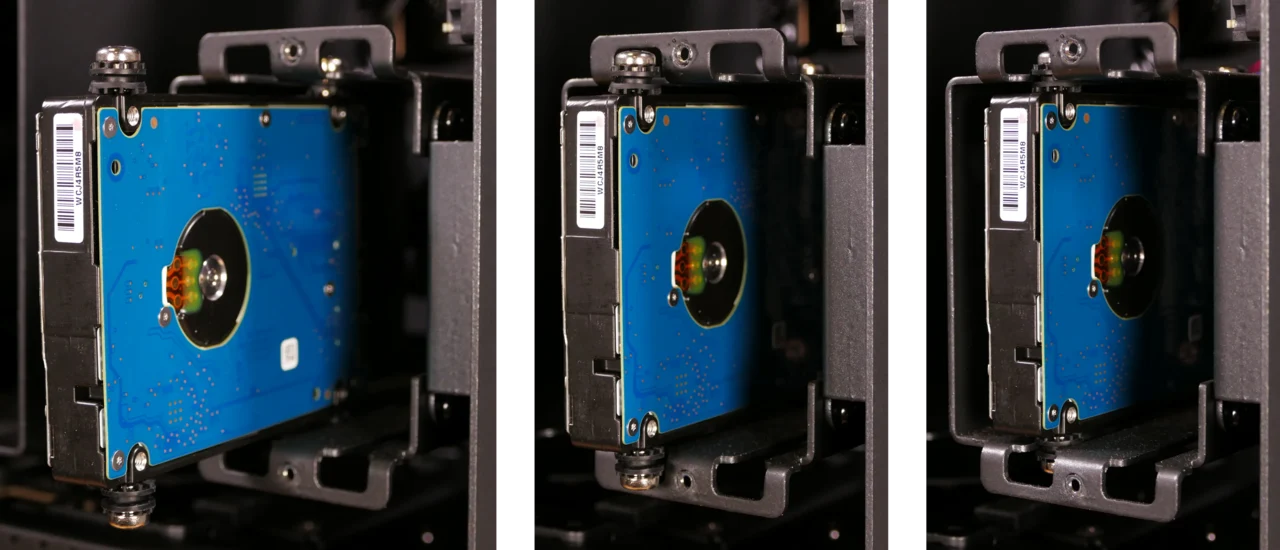
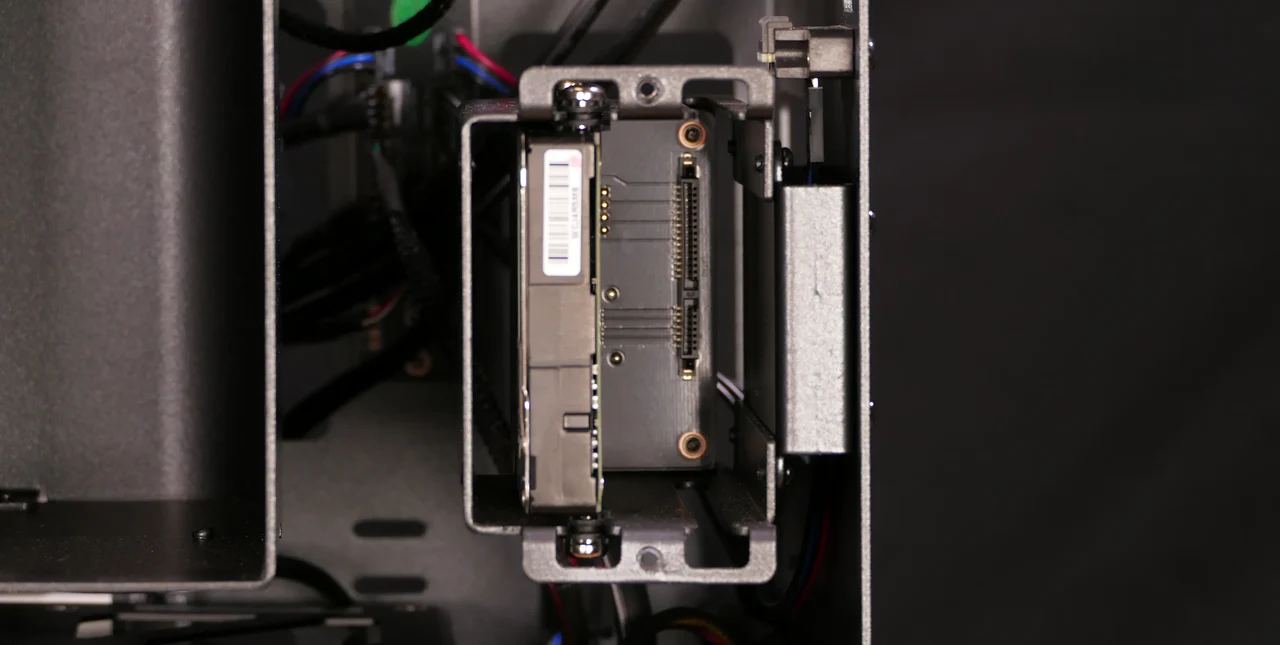
Illustration of the service · not a photo report of the order
Install a compatible drive, securely fasten it and connect it. If necessary, we transfer the system and data, then check the speed and stability of operation.
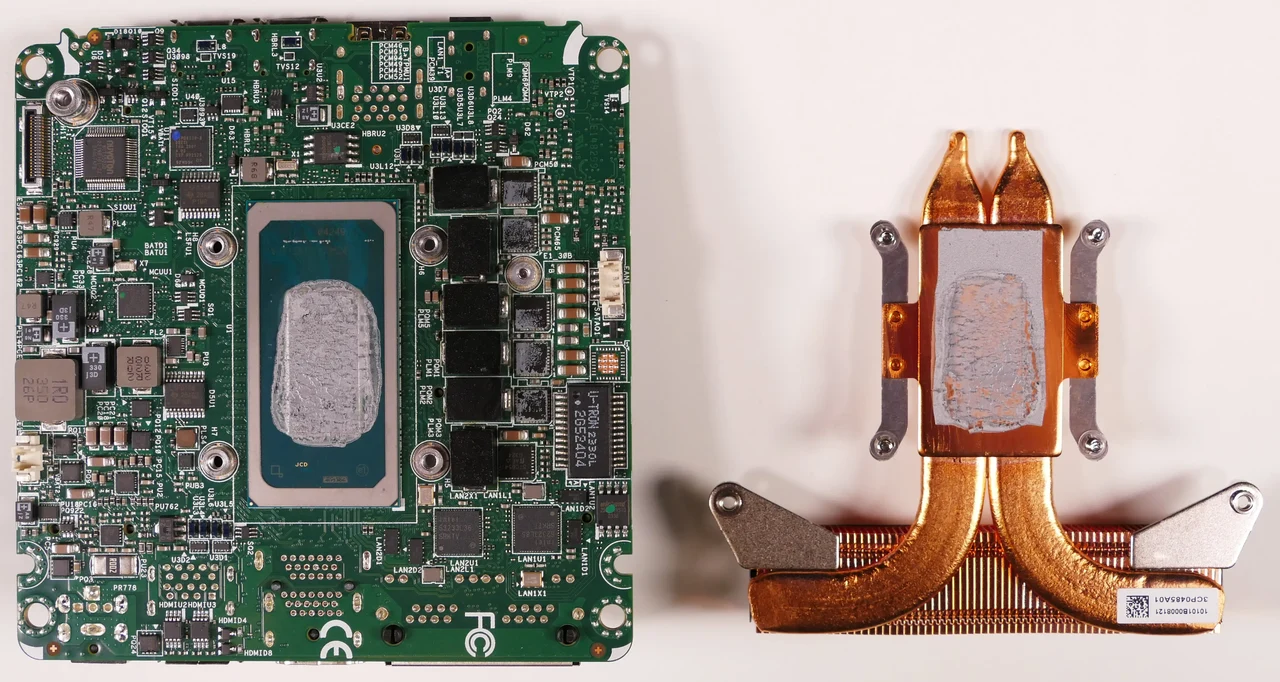
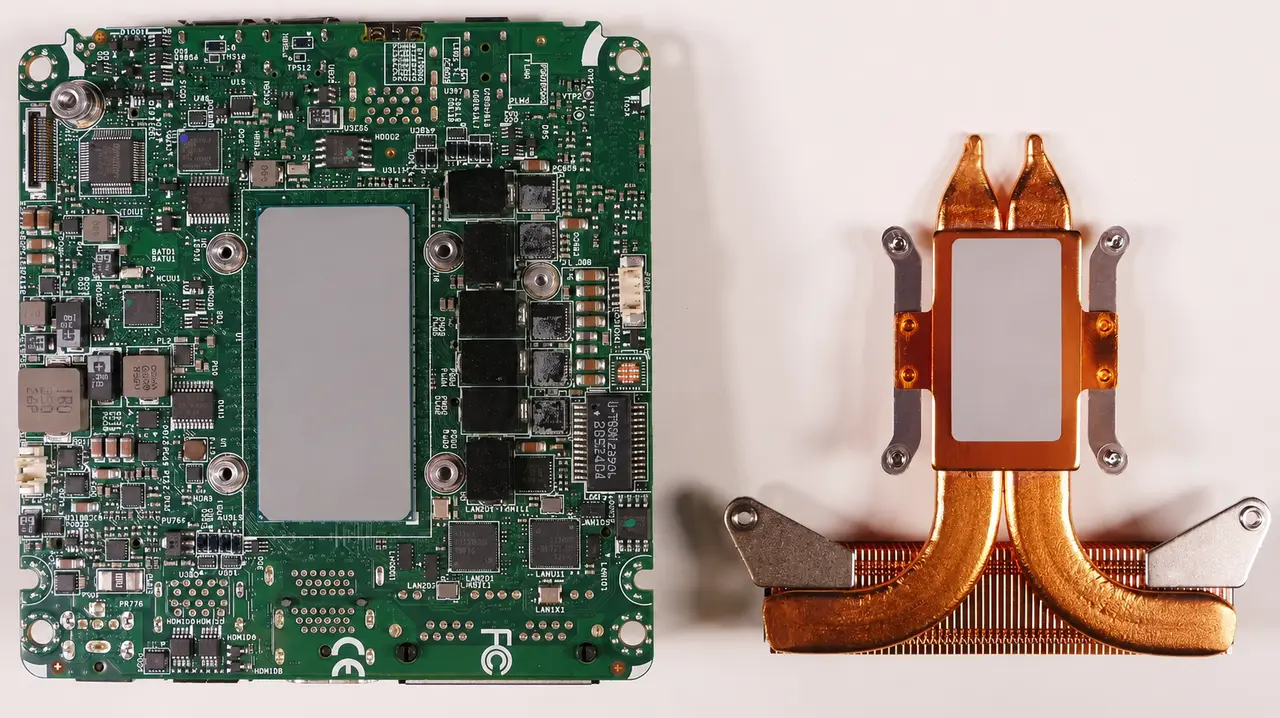
Illustration of the service · not a photo report of the order
We remove the dried thermal interface from the processor and cooling system, clean the surfaces and evenly apply fresh paste. After assembly, we check the temperatures under load. The right frame is a visual digital illustration of the result.
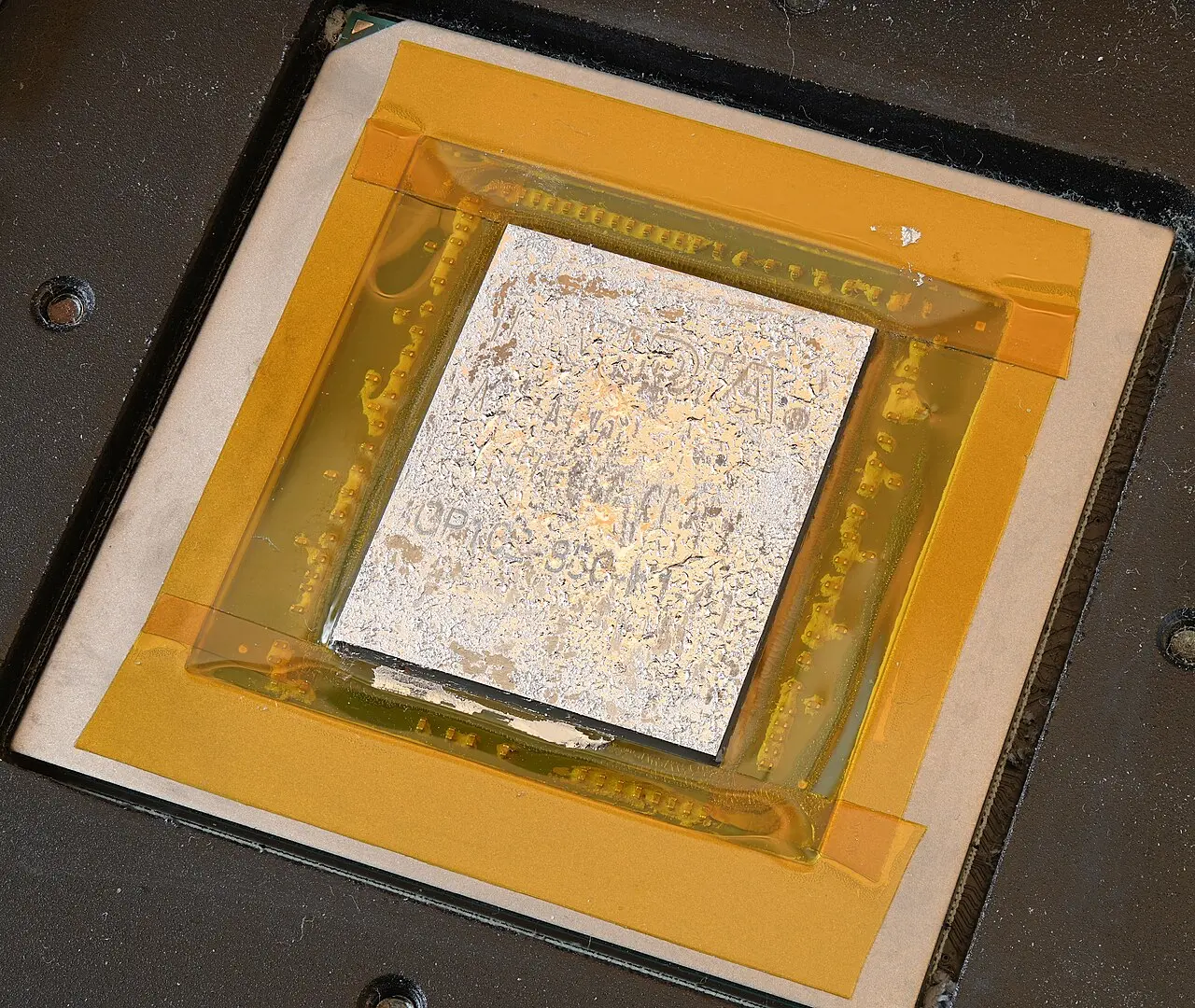
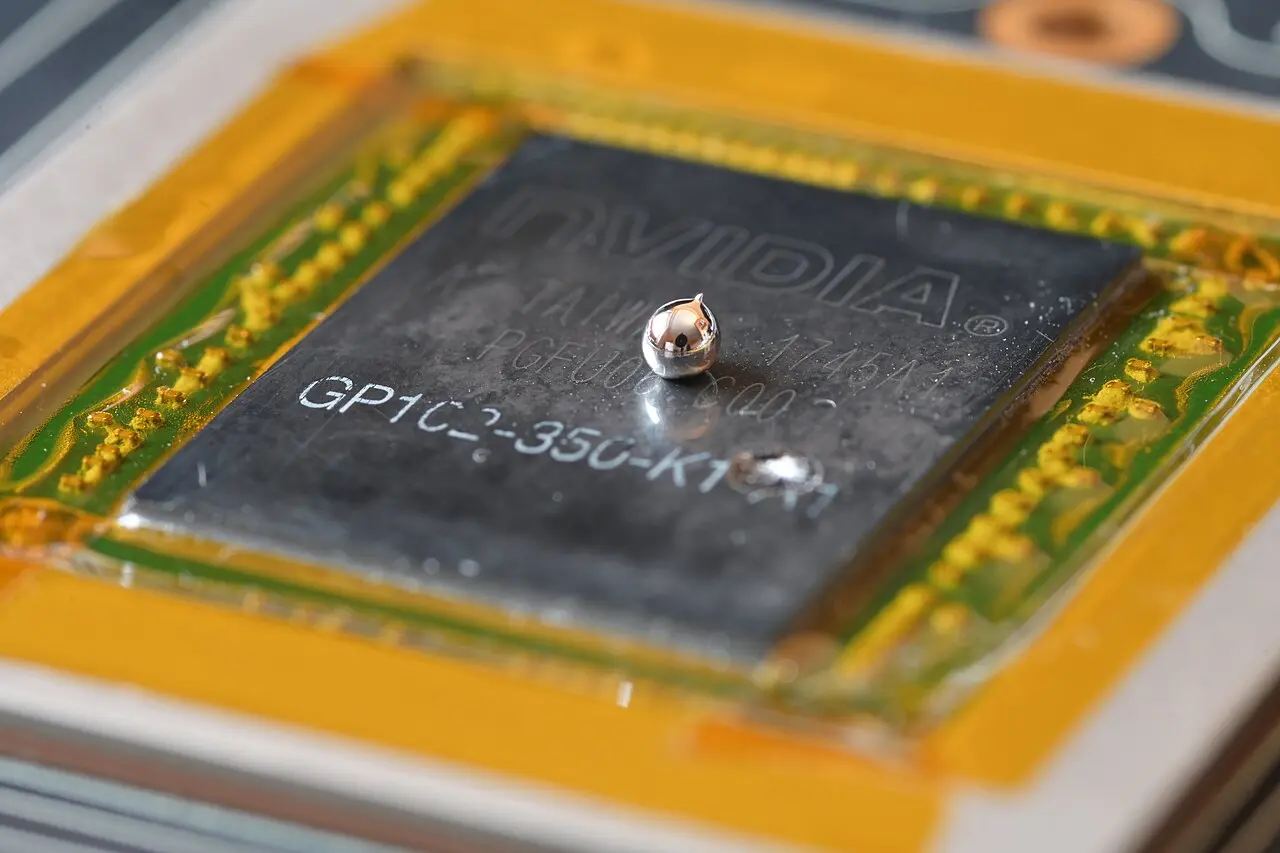
Illustration of the service · not a photo report of the order
We clean the video chip and cooling system, change the appropriate thermal interface and check the temperatures. The photo shows work with liquid metal - we use it only on compatible equipment after assessment by a specialist.
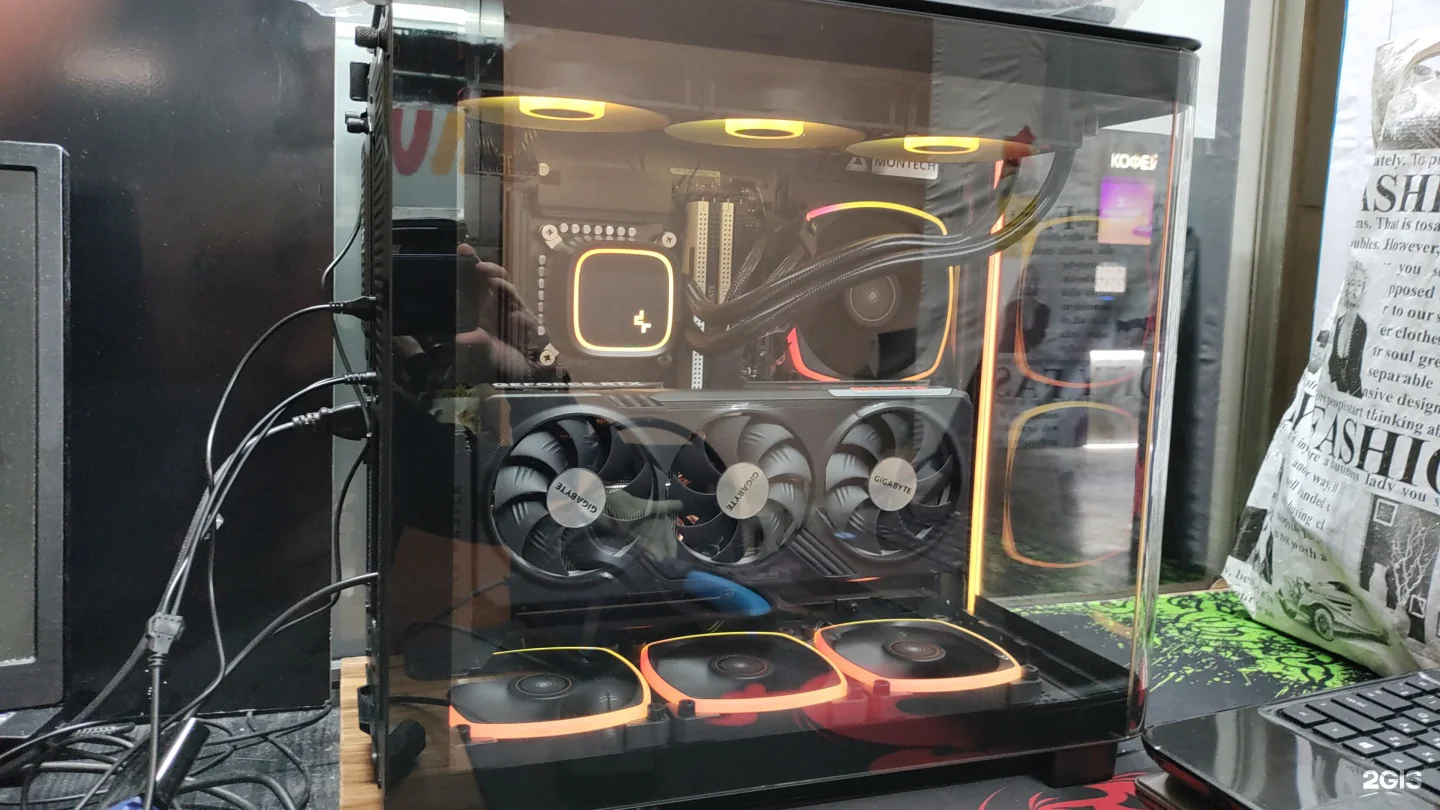
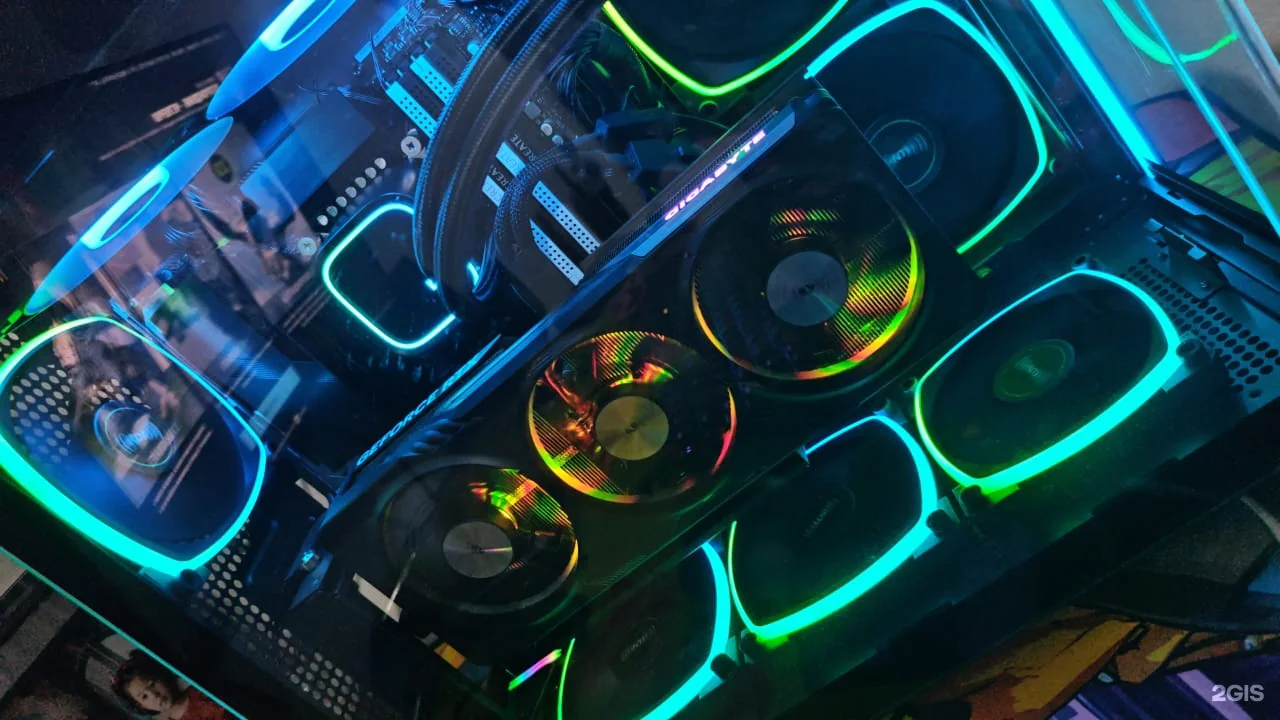
Illustration of the service · not a photo report of the order
We select compatible components, carefully assemble the system, configure the BIOS and test the computer under load. Images illustrate assembly options; We will agree on the characteristics and contents of the order separately.
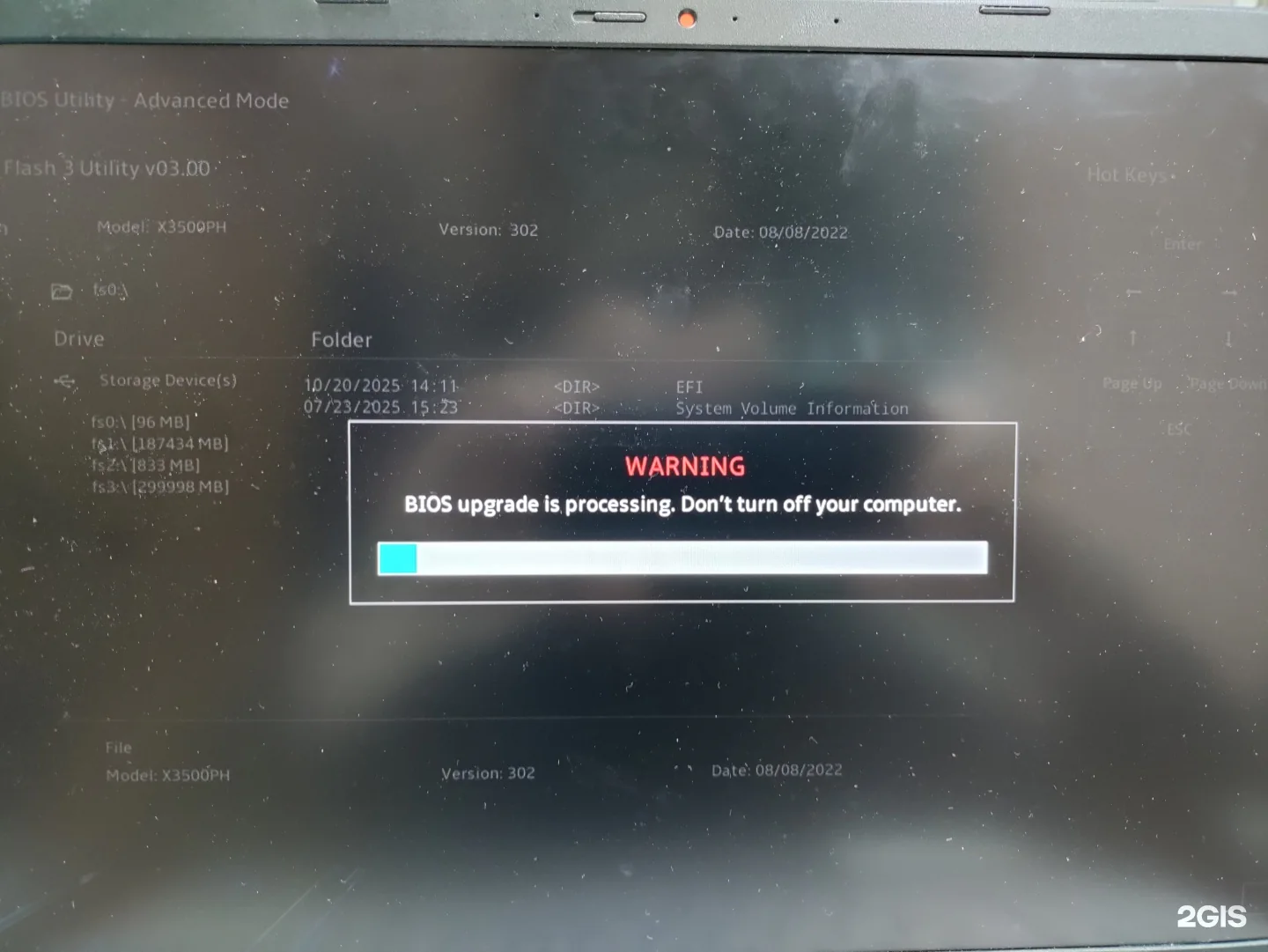
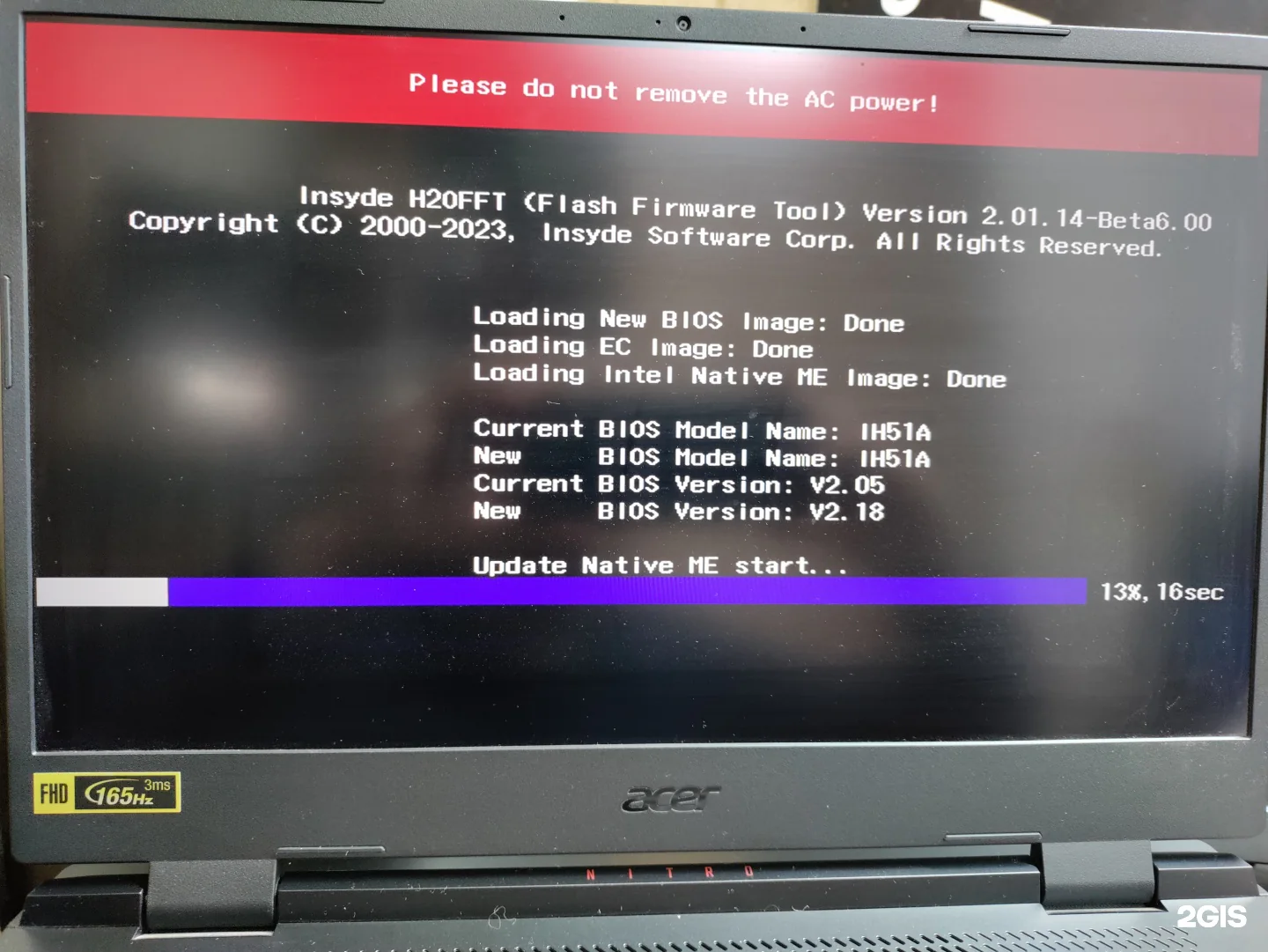
Illustration of the service · not a photo report of the order
We use the standard firmware, control each stage and, after completion, check the startup of the device. The illustrations show the steps to update the BIOS; This is not a report about a specific order.
Three situations when it is better to stop and first discuss the next step with the master.
Stop games and hard tasks. Do not block the ventilation or place the laptop on a soft surface.
Cleaning and checking coolingDo not format the media or write new data to it. If you need information, we will first agree on the restoration procedure.
What is important during recoveryDisconnect the charger, turn off the laptop and do not try to turn it on again to check. Tell us what you filled it with and when.
What to do after liquid damageFor each type of work performed, we will indicate the deadline in the issuance certificate. The countdown is from the day the device was issued.
Behind us are hundreds of laptops and PCs, certificates from Moscow State Technical University. Bauman, Intel and Retratech.
You will find out the cost before the repair begins. No “they opened it - it turned out to be more expensive” without your consent.
We write down the deadline for each work in the act. If the same defect occurs again due to our fault, we will fix it free of charge.
If repairs are unprofitable and it’s easier to buy a new one, we’ll say so. It is more important to us that you come back again.
166 customer reviews on 2GIS. See the full list and directions in our company listing.
“I’m contacting you for the second time to repair a laptop - they did it quickly and efficiently, master Dmitry. I recommend the service center!”
“Thank you to the master for the fast and excellent work! After the upgrade, the laptop began to work much faster. I recommend!”
“The laptop turned off at startup and Windows would not load. Dmitry cleaned the dust, replaced the thermal paste, updated the system - now everything works great.”
“I asked to replace the matrix on my laptop - I was very pleased! The screen was replaced carefully, everything was explained in detail. Prices are affordable. I recommend."
“Best service in town! The technician was polite, explained the reason for the breakdown, they did it in just 1 day, the price was very good, they installed an antivirus for free for a year.”
“I contacted different services, no one could help for a week. Here they did everything perfectly in one day and also updated the BIOS for free. Best service!"
“Replacing the keyboard on a laptop - helped me choose the model, ordered it myself, installed it and checked it in half an hour. He takes his work very seriously!”
“The old computer seemed to have lost ten years - they cleaned it of dust, replaced parts, installed software. Polite, fast, affordable prices. I’m very pleased!”
“Professional approach to computer repair. Dmitry did not change parts at random - he methodically looked for the reason, was always in touch and explained everything. I definitely recommend: high-quality and honest repairs.”
“I sent my laptop in for repair and was very pleased with the result. Everything was done quickly, professionally and carefully. The laptop works great. I recommend!”
“Thanks to the master - I coped with an old laptop and a difficult job. He answered all the questions, and there were many of them. They did it quickly and the price was very reasonable.”
“Many thanks to master Dmitry - I reinstalled the programs on the laptop, all the documents were saved. He explained everything and how it works. Excellent service and staff.”
Calculation for one device. Select the work you need: mutually exclusive options replace each other. The result is preliminary - we will tell you the exact price after the diagnosis.
Select a service and leave a request. We will confirm the cost and time via WhatsApp, then issue a Kaspi QR invoice with a discount for remote payment.
The discount is valid for the first order through the website when paying via Kaspi QR after confirmation by the master. The discount is applied to the agreed cost of work; Spare parts and additional work are paid separately after agreement.
Price, timing and preparation for the visit - answers before contacting the service.
The device model and description are enough: what is happening and when the problem started. A photo or text of the error will help you figure it out.
Describe the problem More convenient in Telegram →Appointment by appointment. Write the device model and symptoms. We'll tell you where to start and agree on a price before repairs.
For the first message, the model and the problem are enough. We will prepare a text for WhatsApp and agree on the appointment time via correspondence.