Cleaning an office laptop
Disassembly, dust removal, Arctic MX-4 thermal paste, assembly and cooling check.
Mon–Fri 10:00–19:00Sat 11:00–15:00 by prior arrangementSunday — closed
29years of experience in IT
We clean the cooling system from dust, change the Arctic MX-4 thermal paste on the serviced units and check the temperatures after assembly. First, we will agree on the price.
Office laptop - 8,000 KZT, gaming laptop - 12,500 KZT. Cleaning and Arctic MX-4 thermal paste are included in the price; We will discuss the replacement of thermal pads, if necessary, separately. On-site cleaning of a gaming laptop - 15,000 KZT per device, including travel within Petropavlovsk.
Disassembly, dust removal, Arctic MX-4 thermal paste, assembly and cooling check.
Maintenance of the cooling system and replacement of Arctic MX-4 thermal paste. Thermal paste is included.
Not included in the cleaning price. First, we will explain the need and agree on the cost.
Cleaning the cooling and replacing Arctic MX-4 thermal paste, assembly and testing. Travel within Petropavlovsk is included, there is no additional charge. We will agree on the possibility of working on site based on the model and conditions.
Prices have been verified with the current Realtech price list. We will agree on the total cost and additional work before the start of repairs. We do not charge you twice for the same work.
We assess heat and noise alongside the fan and drive condition. A slow laptop does not always need cleaning.
Tell us which applications cause the problem. We check cooling and agree on the cleaning and thermal paste service before work.
When laptop diagnosis is needed →If cooling is working properly, the drive, memory or software may be responsible. We check the cause before proposing an upgrade.
Drive checks and upgrades →Nikolai's published review describes a laptop shutting down and failing to load Windows. Cooling cleaning, thermal paste replacement and a Windows update were mentioned; the customer reported that the laptop worked again. This does not mean every shutdown needs the same work.
Source: published review on 2GIS ↗The illustrations help you see which units we service during cleaning. They cannot determine the condition or future temperatures of your laptop.
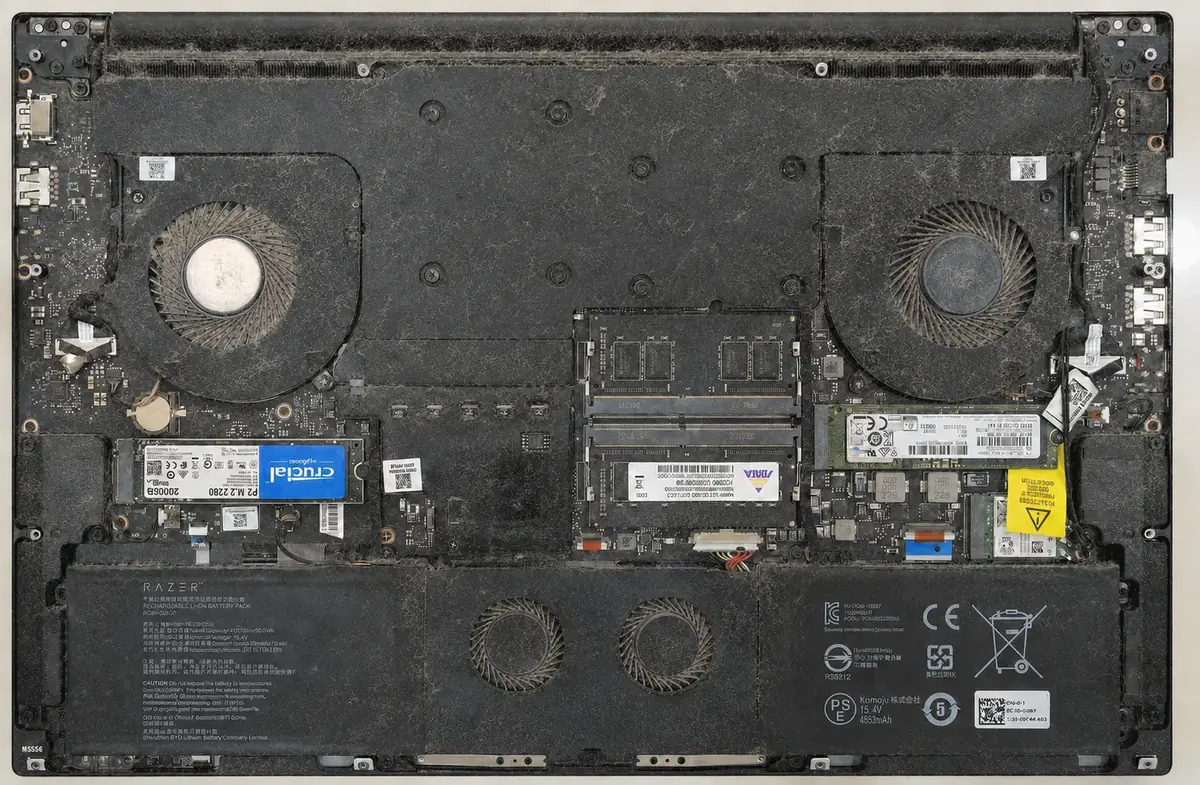
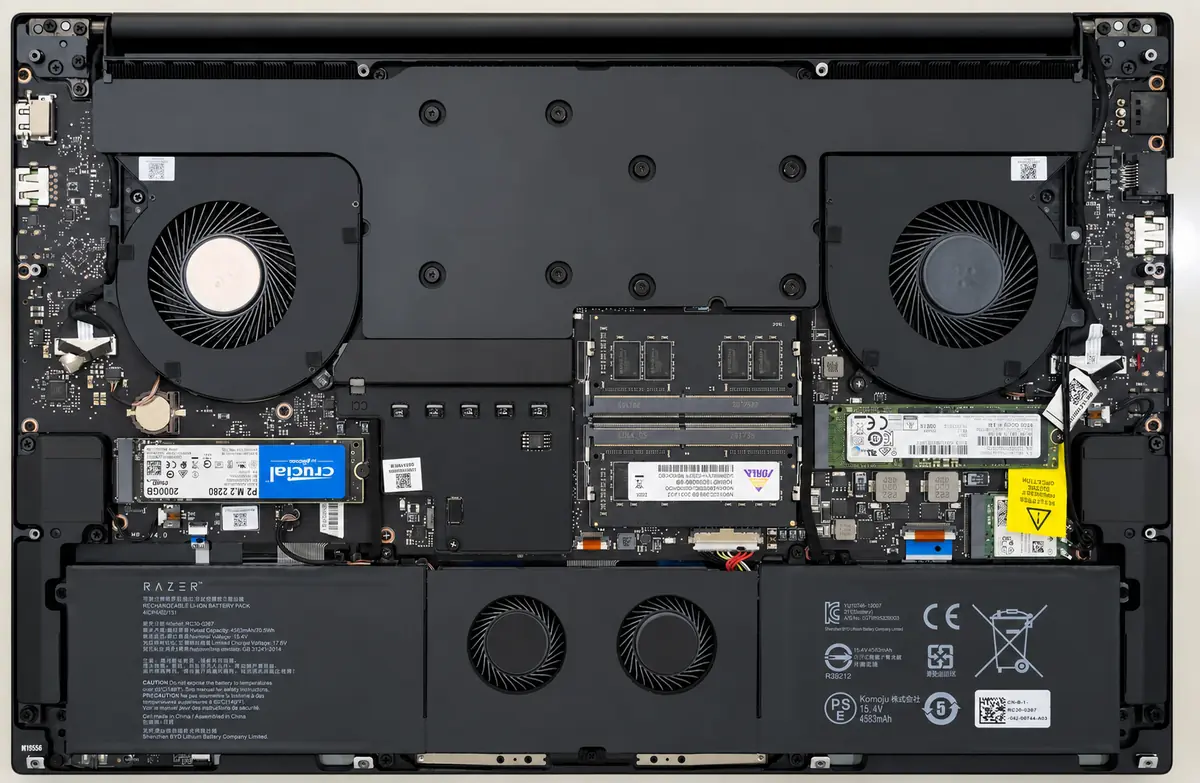
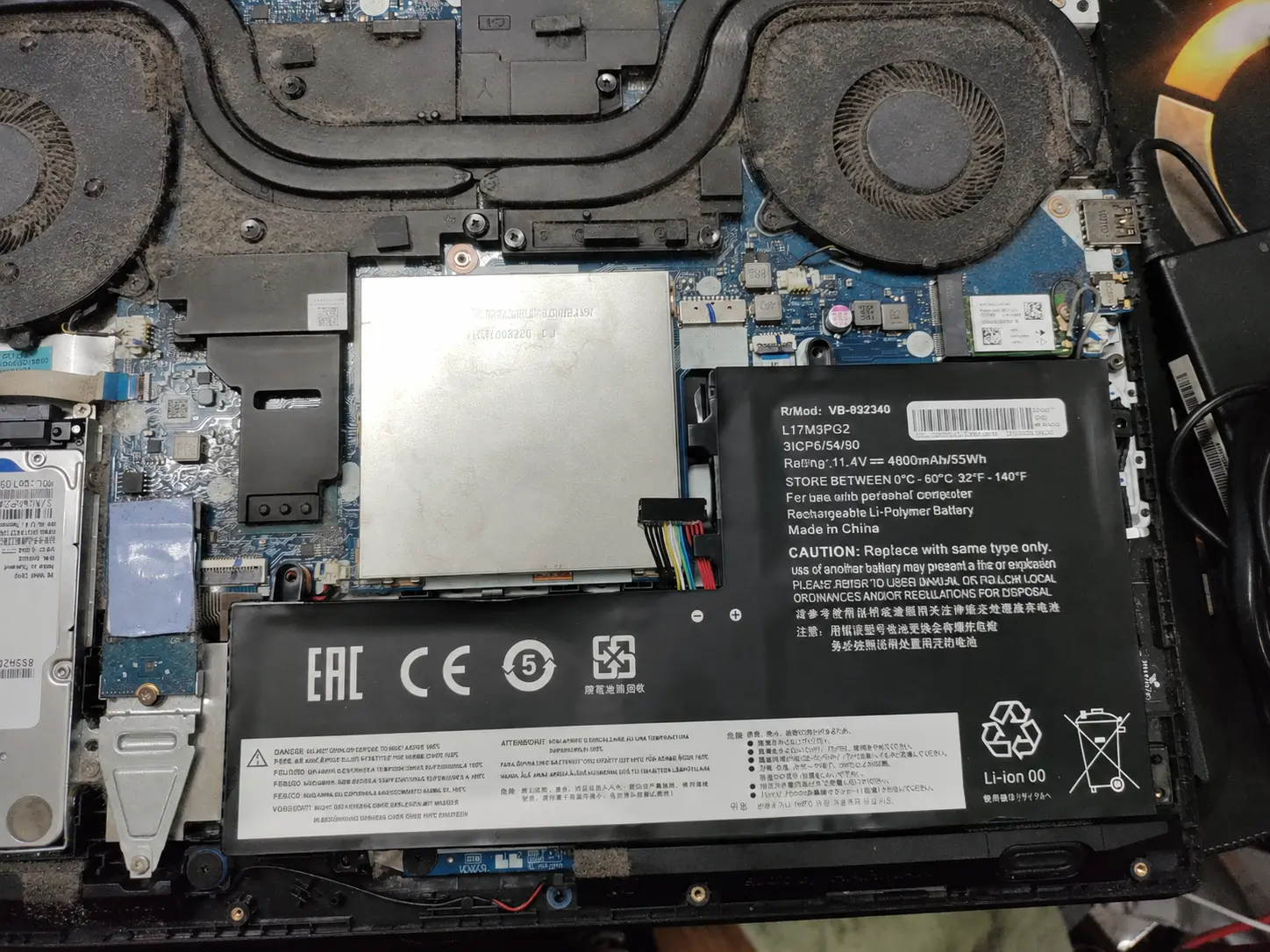
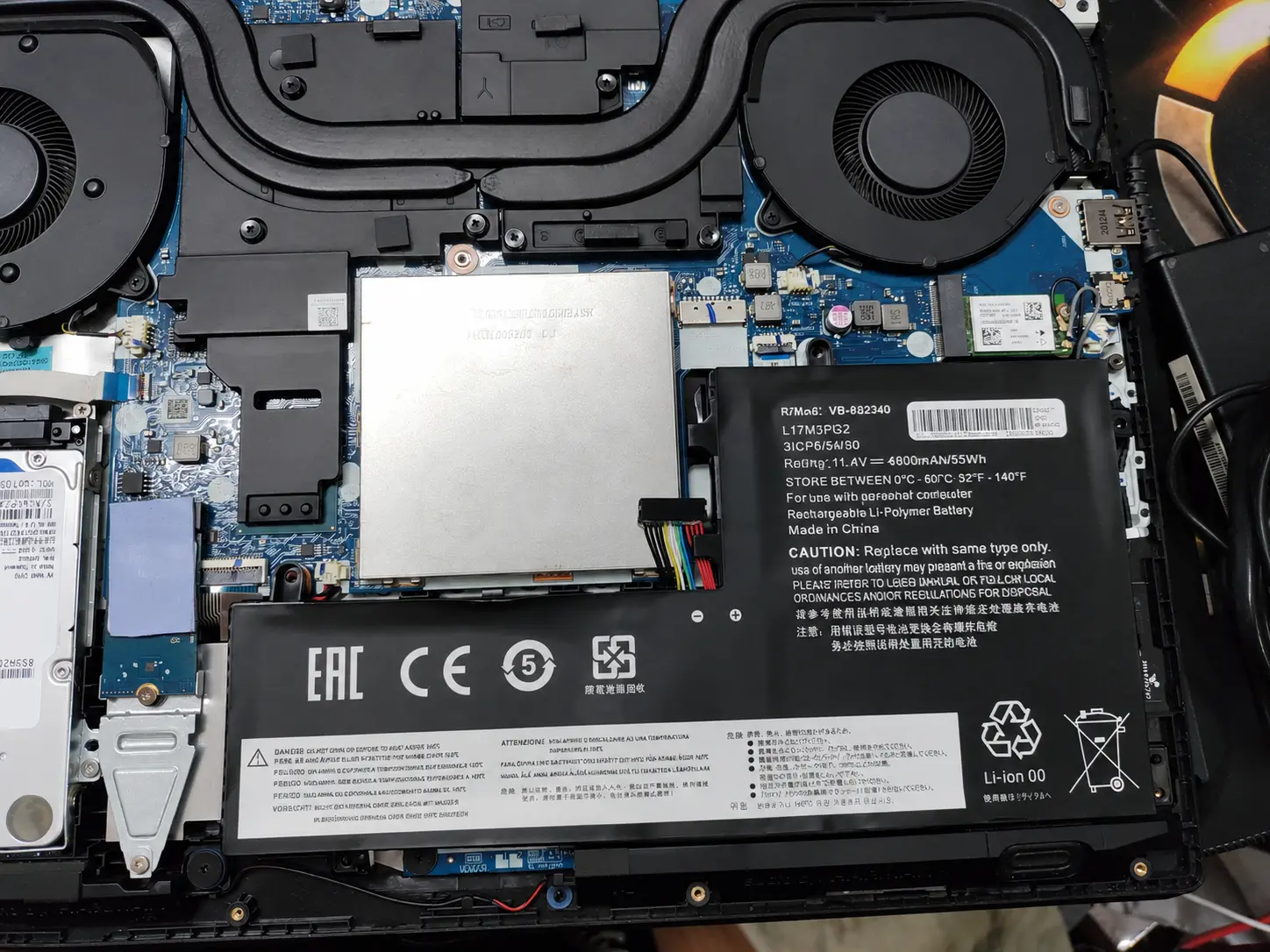
Images are used to illustrate the service and not as a record of the customer's order. Original Razer image source: Benlisquare, CC BY-SA 4.0; information and link are provided on the page “About images”. We determine the condition of your laptop after inspection.
The case is hot, the processor temperature rises quickly, and performance drops.
The cooling system operates at high speed even under light load.
The laptop restarts during a game, video call or heavy program.
Service life depends on dust, conditions of use and temperatures. Let's assess the condition before cleaning.
Before disassembling, we clarify the model and symptoms. If during the process we find a damaged fan or worn thermal pads, we will first show the condition and coordinate additional work.
The work performed and the fault eliminated is guaranteed for 90 days from the date of issue. If the defect is caused by our work, we will check and fix it free of charge.
Specific work, terms and conditions are recorded in the act. The warranty for the installed part is indicated separately. We evaluate new damage and other malfunctions separately.
Detailed warranty conditionsYes. 8,000 KZT for an office laptop and 12,500 KZT for a gaming laptop includes Arctic MX-4 on nodes for which such paste is provided. The necessary replacement of thermal pads and other additional work will be agreed upon separately.
If the cause is dust and poor heat dissipation, maintenance may help. Fan wear, power problems and other faults require separate inspection. Cleaning does not replace repair of damaged components.
For maintenance, we inspect the cooling from the inside and clean the fans and radiator. Blowing through the grille does not replace disassembly, inspection and replacement of thermal paste.
Frequency depends on conditions, load and amount of dust. We focus on the cooling status, temperature and symptoms, and not just on the date of the previous cleaning.
We check the operation of the fans and temperatures after assembly. If another cause of overheating is discovered, we will inform you and agree on further actions.
Write your laptop model and symptoms. We will coordinate the appointment time and service period. If your laptop turns off or gets very hot, do not run heavy tasks until you check it.
Write the exact model of the laptop and describe the noise, heating or shutdowns. Take the charger to check operation after servicing.
Reception by prior call or message. We usually respond within 15 minutes during business hours. If we don’t answer right away, we are working with the equipment and will answer later.
st. Magzhana Zhumabaeva, 109, OC "Trest", 1st floor, hall, boutique opposite the dining room.
Scope of work, prices and procedure.
Removing dust does not eliminate fan wear. We will check the cooler and agree on a replacement separately if it is needed.
The reason may be the power supply, drive or board. We do not promise to eliminate any malfunction by cleaning: diagnostics are first needed.
Do not delay diagnostics: overheating accelerates wear of components.
Sign up via WhatsApp