Installing an SSD without transferring the system
Checking compatibility, installing the drive, checking the definition in the system. The SSD itself, Windows and file transfer are not included.
Mon–Fri 10:00–19:00Sat 11:00–15:00 by prior arrangementSunday — closed
29years of experience in IT
We select a compatible drive, install it in a laptop or computer and, as agreed, transfer Windows, programs and files.
Installation of SSD - from 2,000 KZT, with transfer of Windows and data - 10,000 KZT. The cost of the drive itself is separate.
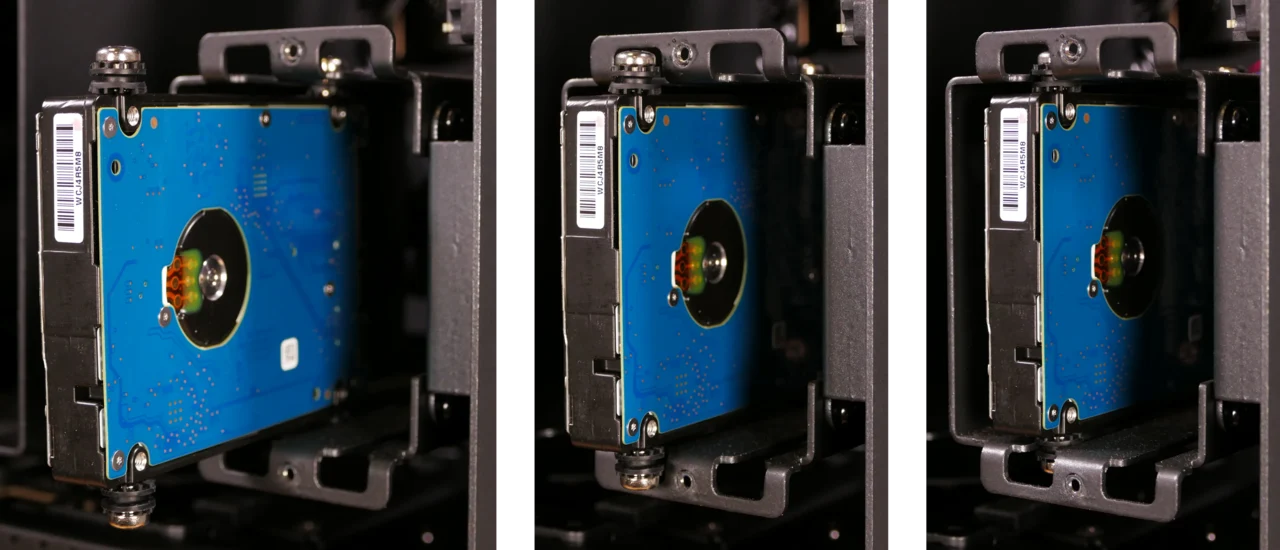
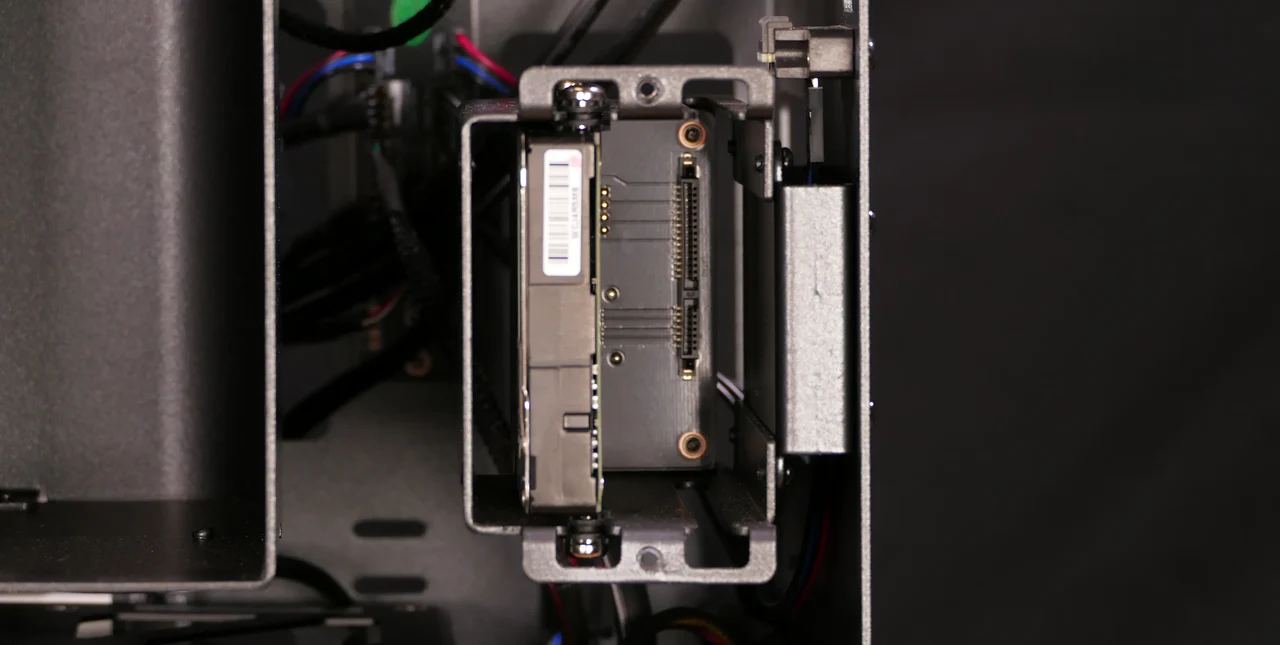
Images illustrate typical work and are not a photo report of a specific Realtech order. About images →
Determine the appropriate format and interface: SATA, M.2 SATA or NVMe.
Carefully install the SSD and check its detection in the system.
If the old disk is working, we clone the system, programs and user data.
We control downloads, updates, disk status and file availability.
Checking compatibility, installing the drive, checking the definition in the system. The SSD itself, Windows and file transfer are not included.
If the source disk is working properly, we will transfer the system, programs and agreed files, and check the loading. SSD and new Windows license are not included.
Prices are per job; parts are paid separately. We will agree on the final cost before starting work.
For completed installation - 90 days; for the agreed result of file transfer - 30 days. The warranty for SSDs is determined separately. We do not promise future serviceability of the old disk or complete restoration of damaged files.
We will inform you about the estimated time after inspection and checking the availability of parts before the start of the agreed work. The terms and duration of the guarantee are stated in the issuance certificate.
Yes, as long as the source drive's condition, compatibility, and applicable license terms allow transfer. Let's check the disk first. Restoring data from faulty media is a separate task.
The drive type is determined by the device model, interface and available connectors. Please send us the model before purchasing the SSD.
The period depends on the size of the files, speed and condition of the old disk. We will provide you with a guideline after checking; Save important documents in advance.
Yes. Before installation, we will check compatibility; We are responsible for the customer's parts regarding the installation performed. Check with the seller for the warranty conditions of the drive itself.
Device model, symptoms and what happened before the malfunction. Warn in advance about important files. Passwords are not needed in the first message.
st. Magzhana Zhumabaeva, 109, Trest OC, 1st floor. Mon–Fri 10:00–19:00; Sat 11:00–15:00. Reception by appointment.
Address and route in 2GIS →Write the device model. Let's check the drive type and installation options.
Leave a request